

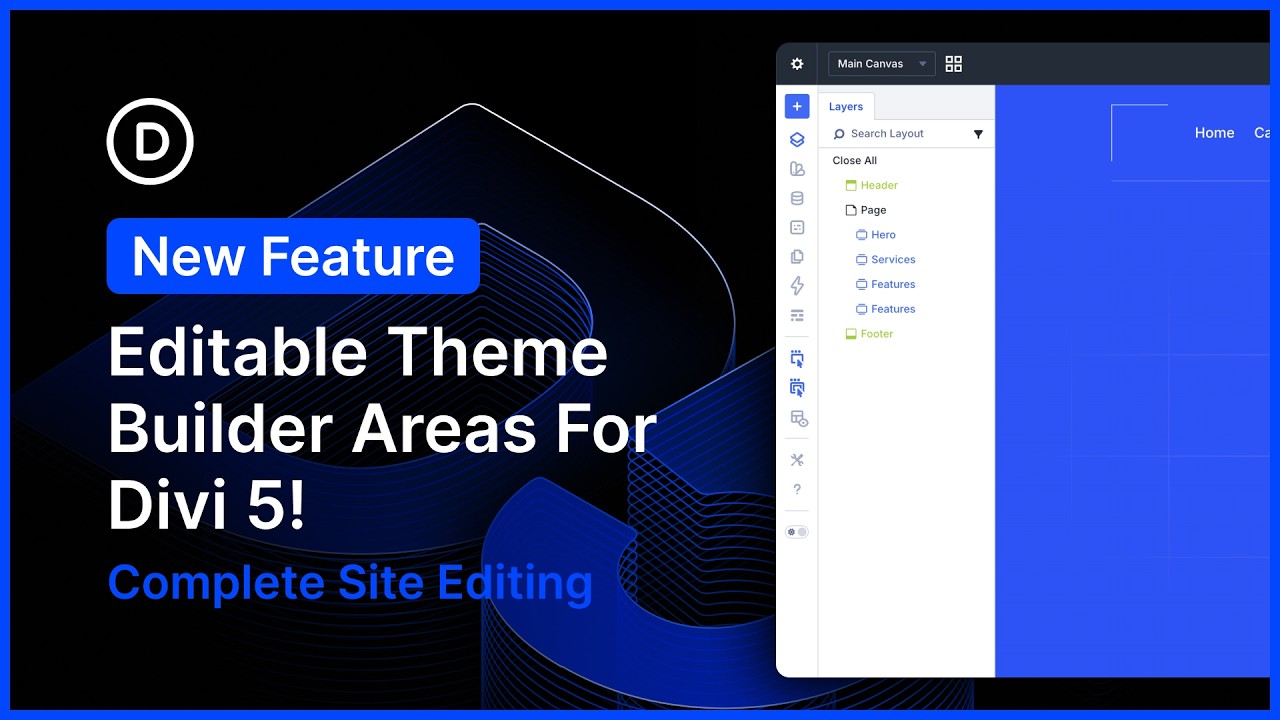
Divi 5 now is helping entire internet web page improving inside the builder, allowing you to edit your header, footer, body layouts, and internet web page content material subject material at once.
Your whole internet web page, from highest to bottom, will also be edited in a single step. You don’t wish to cross out to the Theme Builder. It’s truly at hand and saves a ton of time!
There’s so much to find, so let me jump into the builder and give you the entire, off-the-cuff tour. 👇
Entire Web site Front-End Enhancing
Divi is bigger than a internet web page builder; it’s a internet web page builder. You’ll design your whole internet web page from highest to bottom, along side purchaser headers, footers, product templates, magnificence templates, and the entire thing else.
The ones structural areas, maximum continuously hard-coded into WordPress problems, will also be handcrafted in Divi the use of the Theme Builder, which lets you create dynamic templates with Divi’s entire suite of modules and design settings.
Now, you’ll edit all the ones Theme Builder templates on the front end without visiting the Theme Builder! Without reference to where you could be to your website online, you’ll click on at the “Edit With Divi Button” to jump into the builder and edit content material subject material or templates associated with that part of your internet web page in a single improving session.
Enjoy Seamless Enhancing Between All Areas
Divi 5’s implementation of entire internet web page improving is specific and superior to Divi 4 because it implies that you’ll be able to edit all Theme Builder areas seamlessly, and not using a wish to “activate” each house one by one.
You’ll interact with all the internet web page, and even copy, paste, drag, and drop between areas seamlessly!
Edit The entire thing On The Front End, Not Merely Pages
Up to now, the Edit With Divi button was once most simple available for singular posts, like pages, products, and blog posts.
Now that Theme Builder areas are editable on the front end, the Edit With Divi button is all the time available on every part of your website online.
You’ll all the time hop into the builder and edit regardless of Theme Builder templates you assigned to that part of your website online.
Merely Turn It Off For Your Shoppers To Protect International Templates
It’s easy to sing their own praises this new serve as. For those who don’t wish to see your header, body, or footer templates while improving posts and pages, you’ll disable them inside the builder settings.
Additionally, you’ll use the Divi Place Editor to restrict Theme Builder get right to use on your clients, fighting them from improving Theme Builder templates inside the builder and unintentionally messing up global layouts.
Check out Divi 5 At the moment
Entire internet web page improving is now available for Divi 5. Give it a attempt to let us know your concepts.
We rebuilt Divi from the ground up and packed it stuffed with dozens of your most requested choices. Overlook the entire thing you concept you knew about Divi, on account of Divi 5 is an absolutely different beast.
Have You Tried Speculative Prerendering for Divi 5?
While you disregarded it, we in recent years introduced Speculative Prerendering for Divi 5.
We would really like the Divi 5 construction experience to be fast, faster than any other builder. The only issue faster than fast is quick, and with speculative prerendering, that’s exactly what you get. Fast load circumstances when entering, exiting, and switching pages inside the builder.
For Divi Pros who spend all day bouncing in and out of the builder, this quality-of-life construction truly supplies up.
Watch this video for all the details. 👇
Additional Divi 5 Updates Are On The Way
The choices keep coming, and we aren’t slowing down anytime briefly!
When you’re collaborating in the ones updates, do us a huge make a choice and let us know by the use of liking this video and leaving a remark. It way such a lot to us to appear you cheering Divi on, and it’s essential to feed the algorithm and spread the word.
Don’t forget to practice us on YouTube and subscribe to the Divi e-newsletter in order that you under no circumstances fail to remember an substitute. I’ll see you briefly for each different Divi 5 serve as announcement, which I promise it will be correct around the corner. 😁
The put up Editable Theme Builder Spaces For Divi 5! (Whole Website Modifying) appeared first on Sublime Topics Weblog.




0 Comments