

The AI agent ecosystem is evolving in brief. While OpenClaw helped popularize accessible agent workflows, developers are in fact exploring apparatus that provide faster capability, upper efficiency, and different architectural approaches. Many newer frameworks focal point on lower latency and smaller helpful useful resource footprints.
In this article, we’ll take a look at 10 OpenClaw alternatives, from lightweight alternatives like PicoClaw to additional full-featured apparatus like Moltis, to help you make a choice the correct fit in your next AI agent enterprise.
Let’s get began with Nanobot.
Nanobot
Nanobot is a lightweight, open-source AI agent framework complicated by the use of the School of Hong Kong (HKUDS). It’s designed at the least option to OpenClaw.
It provides an similar purposes in just a few thousand lines of Python. That makes it easier to deploy, alter, and run on modest {{hardware}}. It moreover is helping multiple LLM providers with built-in memory.

Execs
- Lower helpful useful resource footprint: It starts in not up to a 2nd and uses very little RAM. That makes it a smart fit for a cheap VPS or an older laptop.
- Regional messaging reinforce: Besides not unusual platforms like WhatsApp and Telegram, it is helping Asian enterprise platforms like DingTalk and QQ.
- Built-in MCP reinforce: It leans on MCP, so that you’ll plug in MCP-compatible apparatus like Brave Search or Google Energy without additional plugins or external tooling.
Cons
- No GUI: Now not like OpenClaw, Nanobot is precisely CLI- and chat-based. If you want to have a point-and-click revel in, this isn’t it.
- Fewer out-of-the-box skills: OpenClaw has ClawHub, a registry of community-made skills. With Nanobot, you’re a lot more prone to jot down a small script or connect an MCP server yourself.
Nanobot is a robust variety if you want to have a snappy, hackable framework for construction personal AI agents.
NullClaw
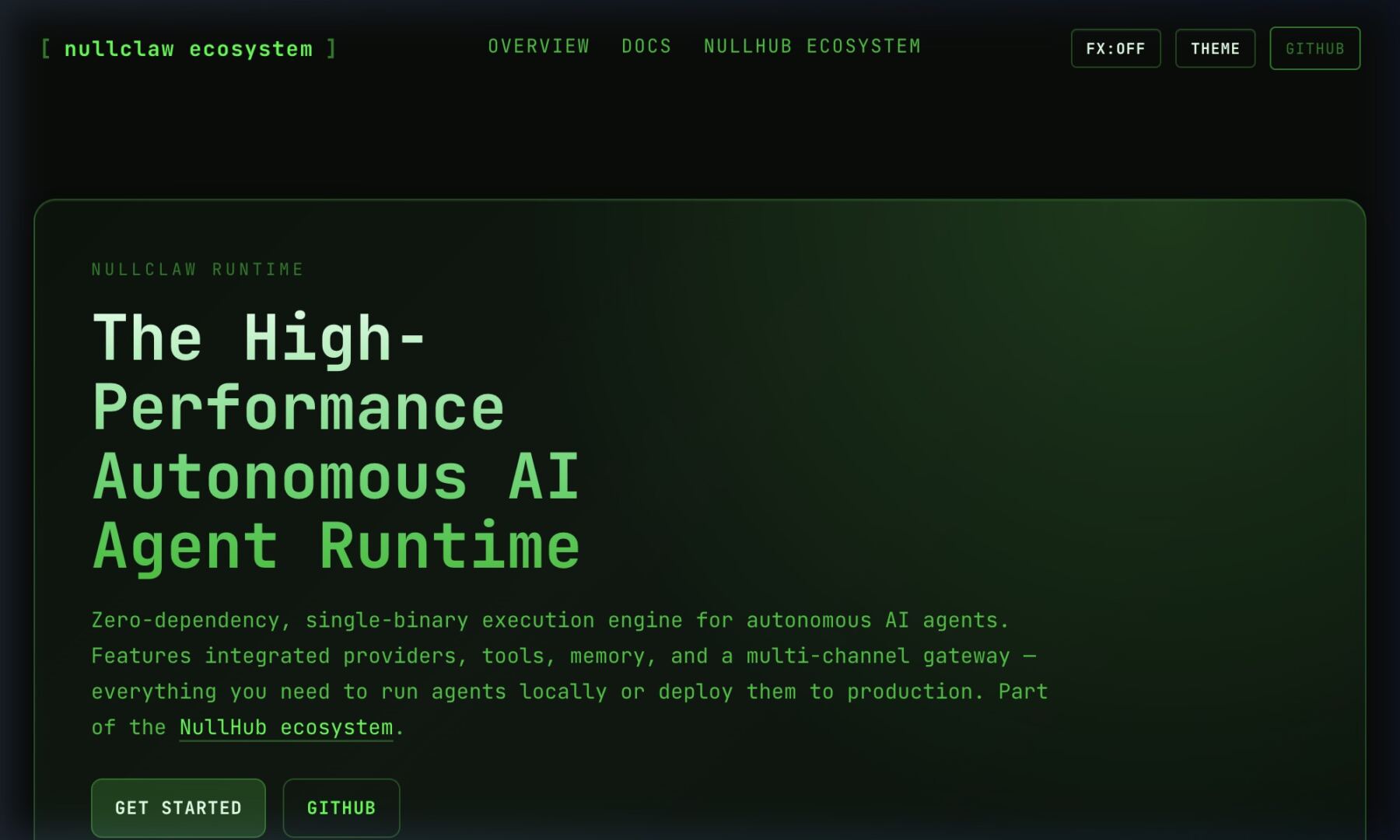
NullClaw is a high-performance, open-source AI agent runtime built as a tiny single-binary tool. It’s designed for efficiency, so it may be able to run on ultra-low-end {{hardware}} with near-instant boot circumstances while however supporting 50+ LLM providers, secure sandboxing, and modular integrations.
Execs
- Upper capability: It’s known for its 678 KB binary measurement and more or less 1 MB RAM footprint. Evaluation that with OpenClaw, which is built with Node.js and regularly needs far more memory. It moreover boots in underneath 2 milliseconds.
- Edge and IoT ready: It would run comfortably on a Raspberry Pi 0 or possibly a router.
- 0 dependencies: It’s written in Zig and compiled to a static binary, so it does now not require Python, Node.js, or every other runtime on the host software.
Cons
- No GUI: Configuring NullClaw manner editing JSON or YAML files and working out system paths. It lacks the friendlier installer and dashboard revel in that OpenClaw supplies.
- Developer barrier: If you want to alter the core code, you want to grasp Zig, which is some distance a lot much less common than JavaScript or Python.
Whilst you’re in search of a lightweight, rapid, and privacy-focused AI agent, NullClaw is a compelling selection. It actually works neatly on an reasonably priced VPS or embedded device where it may be able to handle tasks quietly throughout the background.
NanoClaw
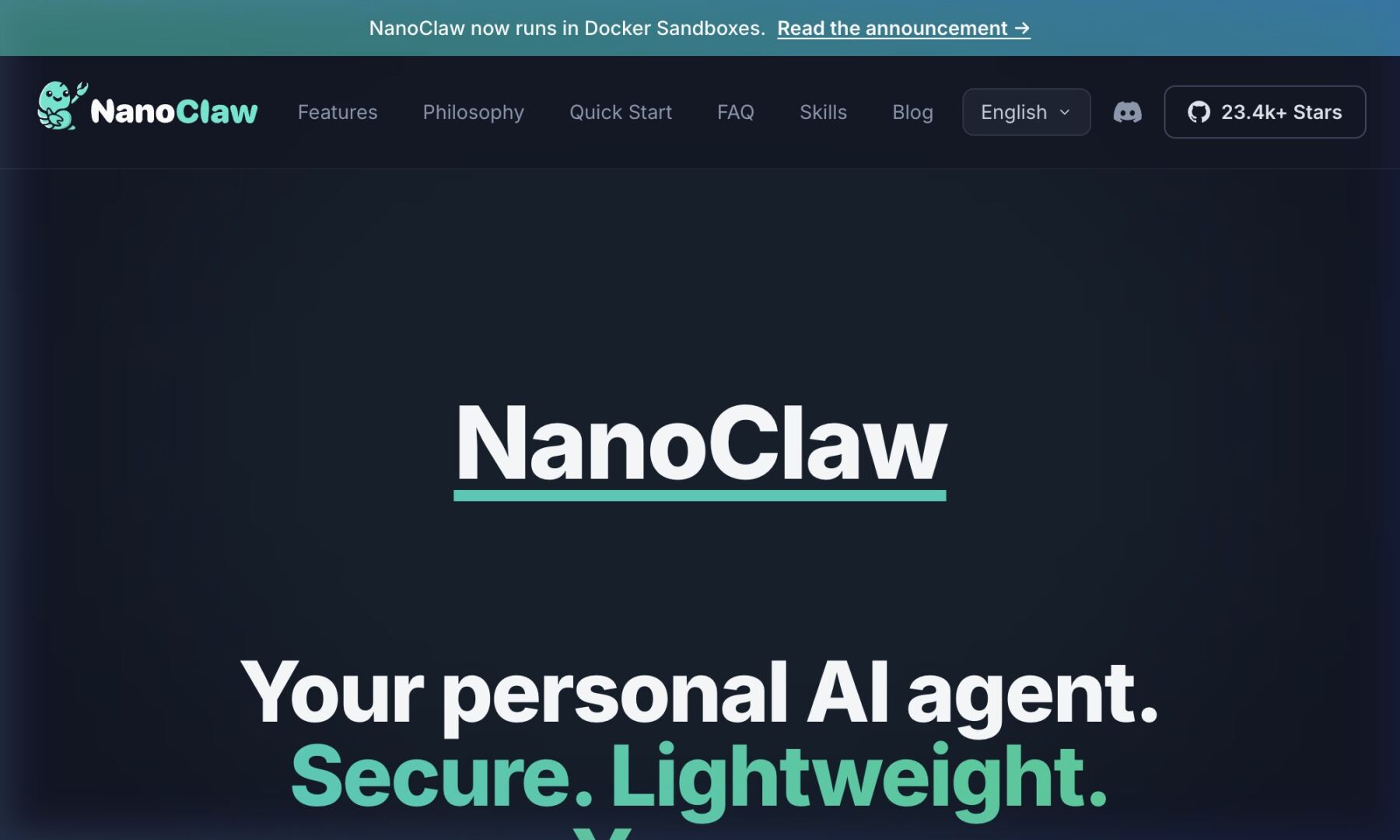
NanoClaw is a lightweight, open-source personal AI agent designed to run locally in your software. While OpenClaw goals to be an all-in-one Swiss Army knife, NanoClaw takes a additional centered, security-first means.
Its minimal single-process construction makes it easier to prepare and run on low-powered gadgets like a Raspberry Pi. It moreover accommodates built-in reinforce for WhatsApp, Telegram, Slack, and Gmail.
Execs
- OS-level isolation: NanoClaw runs each agent in its non-public Docker container or Apple Container on macOS. If an agent is compromised by the use of a malicious website or really helpful injection, it stays contained.
- Consistent with-group privacy: Every WhatsApp or Telegram group gets its non-public isolated container, memory file, and filesystem. That reduces the chance of one chat leaking into every other.
- Scheduled tasks: NanoClaw means that you can schedule tasks at specific circumstances or classes, which turns out to be useful for evaluations, substitute assessments, or cleanup jobs.
Cons
- Claude-locked: While OpenClaw is helping many models, NanoClaw is thoroughly tied to Anthropic. In case you don’t need to employ Claude, this may well be limiting.
- No GUI or dashboard: There’s no point-and-click desktop app. Setup and regulate happen right through the terminal and messaging apps.
- Setup complexity: It goals for low configuration, alternatively you proceed to wish Docker or every other container runtime installed and working.
NanoClaw is sensible if you want to have a secure and simple AI assistant that can handle personal knowledge safely inside of isolated boxes.
PicoClaw
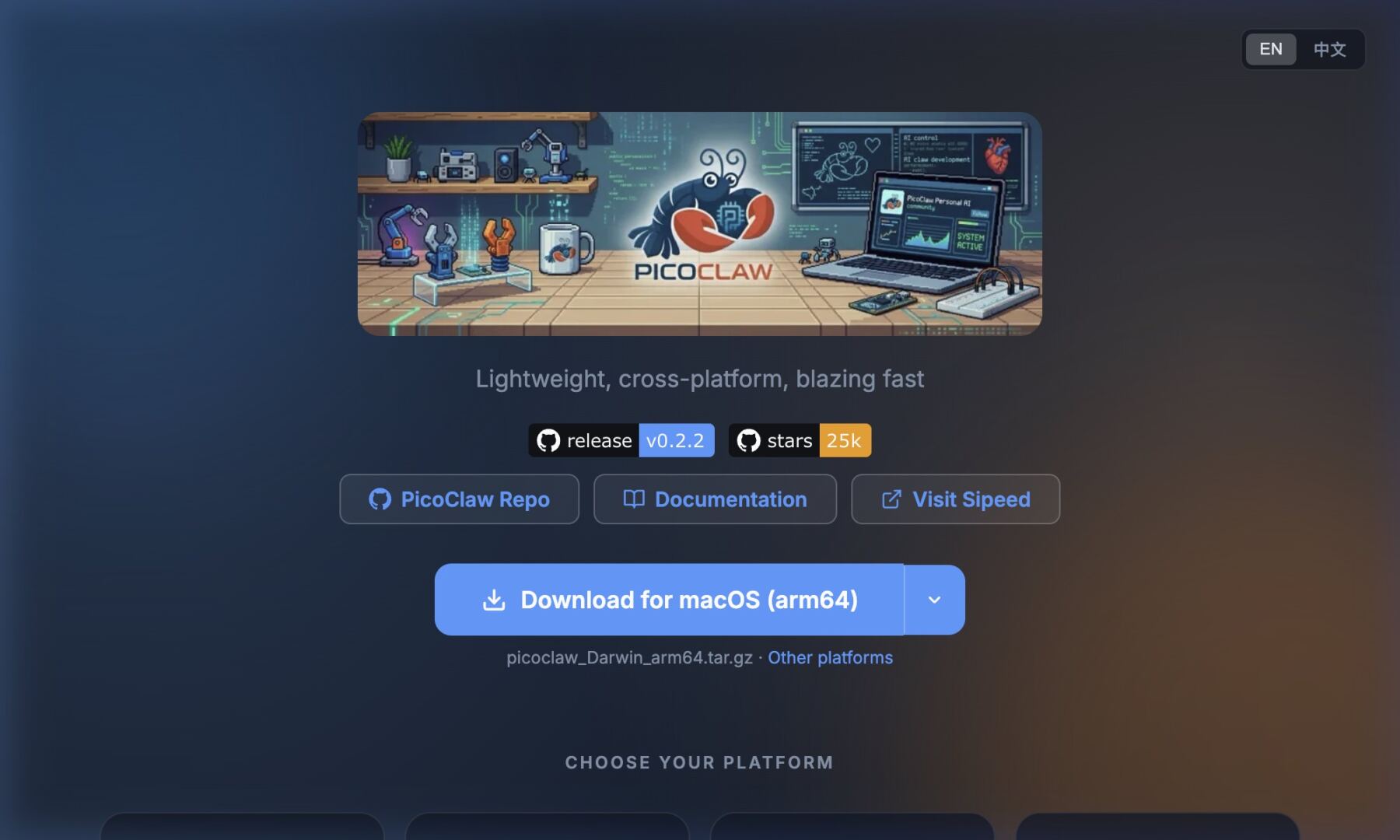
PicoClaw is an open-source AI assistant designed for extraordinarily low price {{hardware}}. It uses minimal assets, starts in brief, and can however handle reminders, web searches, fundamental automation, and chat-based directions.
That makes it a good selection for personal tasks, edge computing, or lightweight AI assistants that wouldn’t have difficult machines.
Execs
- Asian platform reinforce: Out of the sphere, it is helping platforms like QQ, DingTalk, and LINE, which can also be regularly secondary in Western-focused frameworks.
Cons
- No browser automation: OpenClaw’s greatest power is its talent to use a computer at once. PicoClaw is a headless agent. It communicates by way of APIs and messages alternatively can’t control a are living browser window however. An offer has been added, alternatively the serve as isn’t available at the time of writing.
- No GUI: The whole thing is configured by way of a
config.jsonfile and used by way of Telegram or the terminal. If you want to have a graphical interface, it is a deal breaker.
If you want to have a lightweight AI assistant for low price {{hardware}} with robust Asian platform reinforce, PicoClaw is worth a look.
ZeroClaw
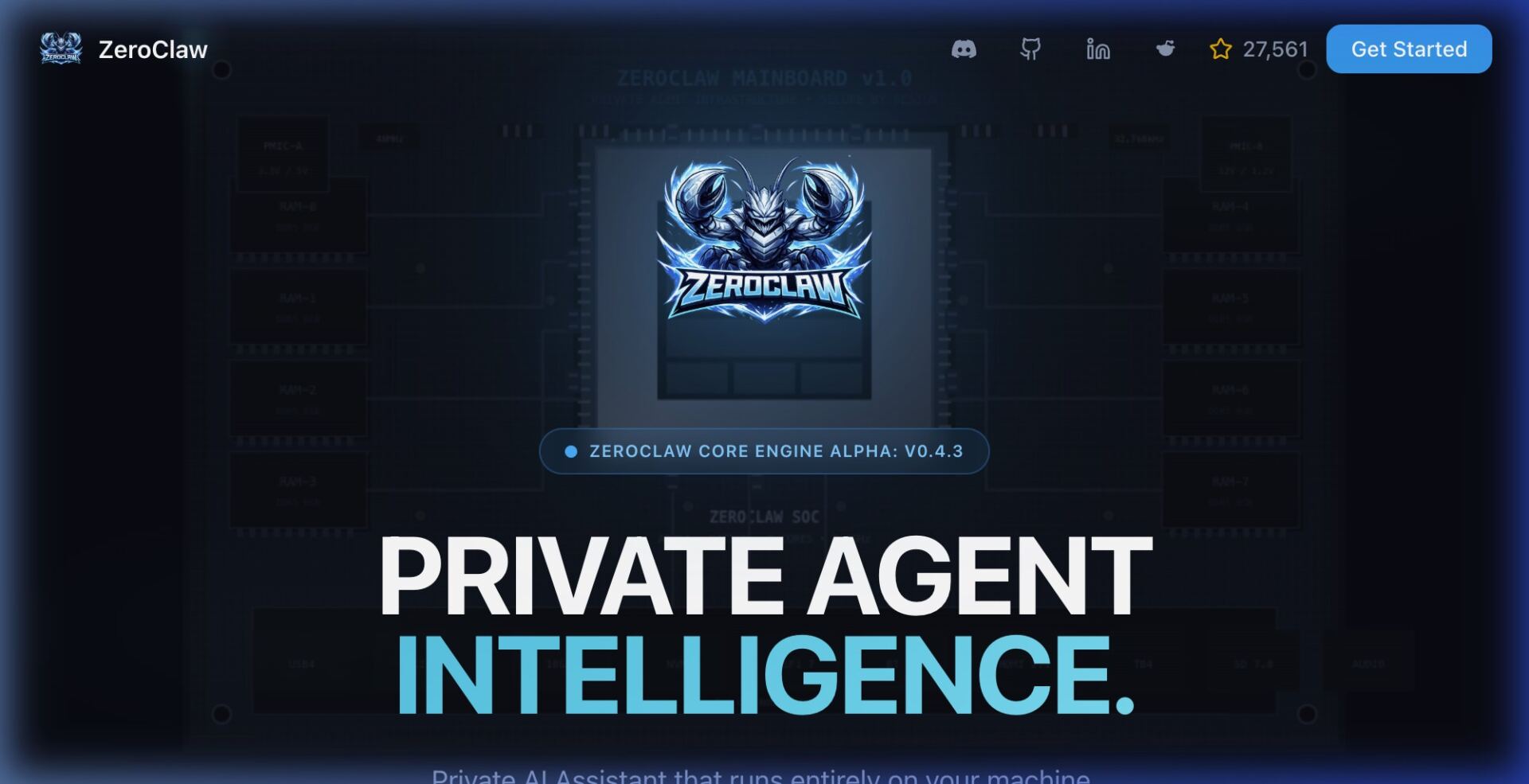
ZeroClaw is a lightweight, Rust-based AI agent runtime built for speedy local execution. It needs underneath 5 MB of RAM and ships as a binary of more or less 3.4 MB.
It connects to providers like OpenAI, Anthropic, and local models. It moreover handles memory, apparatus, and workflows in the back of the scenes while storing knowledge locally in SQLite, which helps keep the whole thing personal and underneath your control.
Execs
- Lightweight: It would run on a single-core CPU while using very little RAM.
- High concurrency: ZeroClaw uses Rust’s async genre to handle many simultaneous tasks with lower CPU overhead than heavier runtimes.
- Custom designed provider reinforce: It is helping custom designed providers, in order that you aren’t limited to simply OpenAI or Anthropic.
Cons
- The Rust learning curve: Till you realize Rust, customizing the core or writing sophisticated native plugins may well be harder than doing the equivalent in JavaScript or Python.
- Huge provider reinforce can add complexity: It is helping 20+ providers along with Ollama, DeepSeek, Moonshot, and others. That flexibility turns out to be useful, alternatively it may be able to moreover make configuration additional involved.
Like NullClaw and PicoClaw, ZeroClaw is a solid fit if you want to have an AI agent that is rapid, unswerving, and ready to handle heavier workloads without using so much memory.
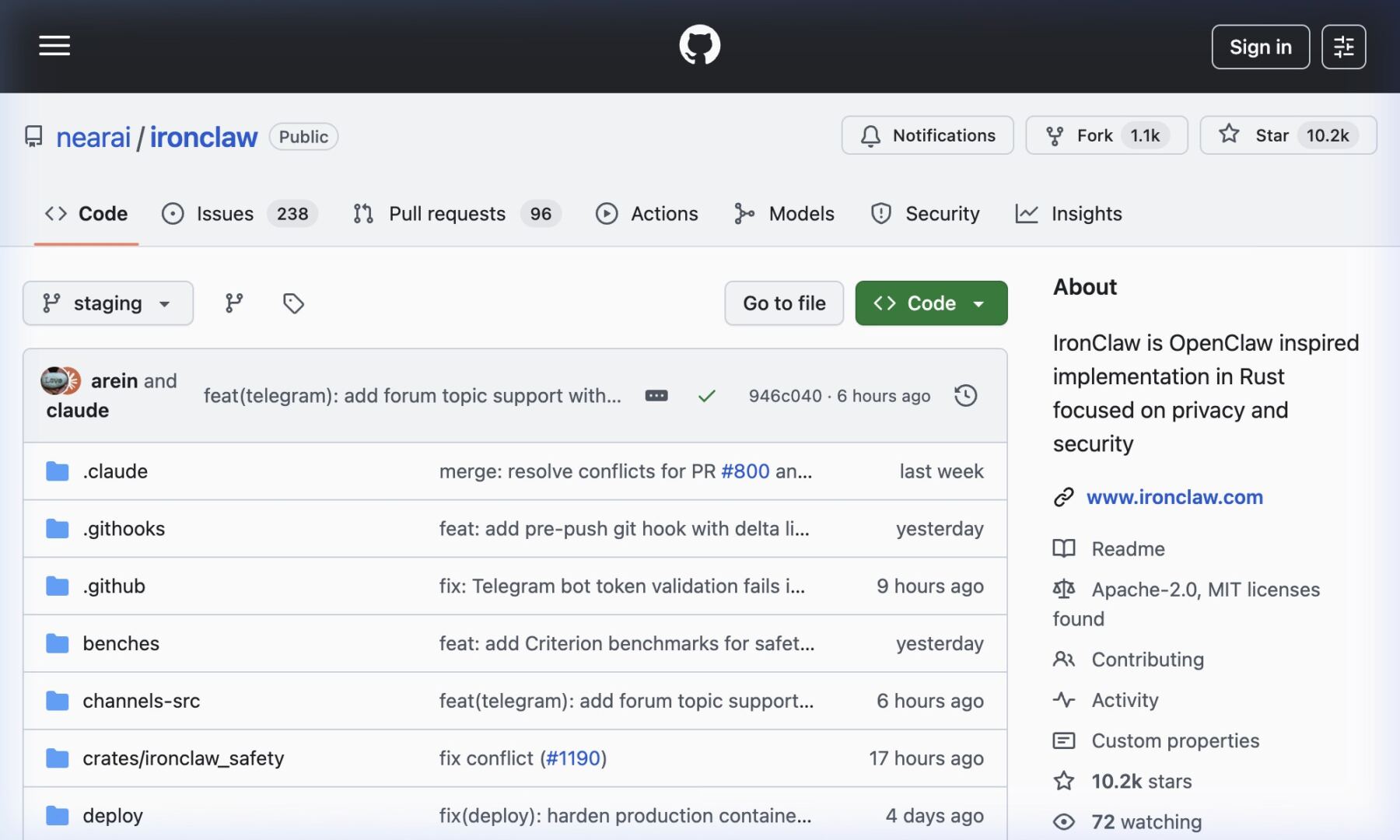
IronClaw
IronClaw is a secure, open-source AI assistant you’ll run on your own software. It makes a speciality of privacy and coverage by the use of keeping workloads local and protecting sensitive wisdom like credentials.
It isolates AI tasks in secure environments, displays job, and offers you tighter control over tool get right to use. You’ll interact with it by way of APIs or messaging apps like Telegram and Slack, which makes it a flexible and security-focused option to OpenClaw.
Execs
- WASM sandboxing: Now not like OpenClaw, which regularly runs apparatus on the host or inside of commonplace boxes, IronClaw executes untrusted apparatus in isolated WebAssembly sandboxes.
- Credential protection: It uses a credential injection genre where the AI genre itself on no account sees your API keys. Secrets and techniques and strategies are injected absolute best at execution time.
- Upper capability: It supplies a small memory footprint and speedy startup circumstances.
Cons
- NEAR ecosystem dependency: To use numerous its choices, you at this time need a NEAR AI account. That gives third-party authentication to the combination.
- WASM plugin limits: The sandboxed genre improves coverage, alternatively it may be able to moreover limit compatibility with apparatus that expect entire native get right to use.
IronClaw is most suitable to security-sensitive art work, in particular when the agent may handle credentials, financial knowledge, or inside systems.
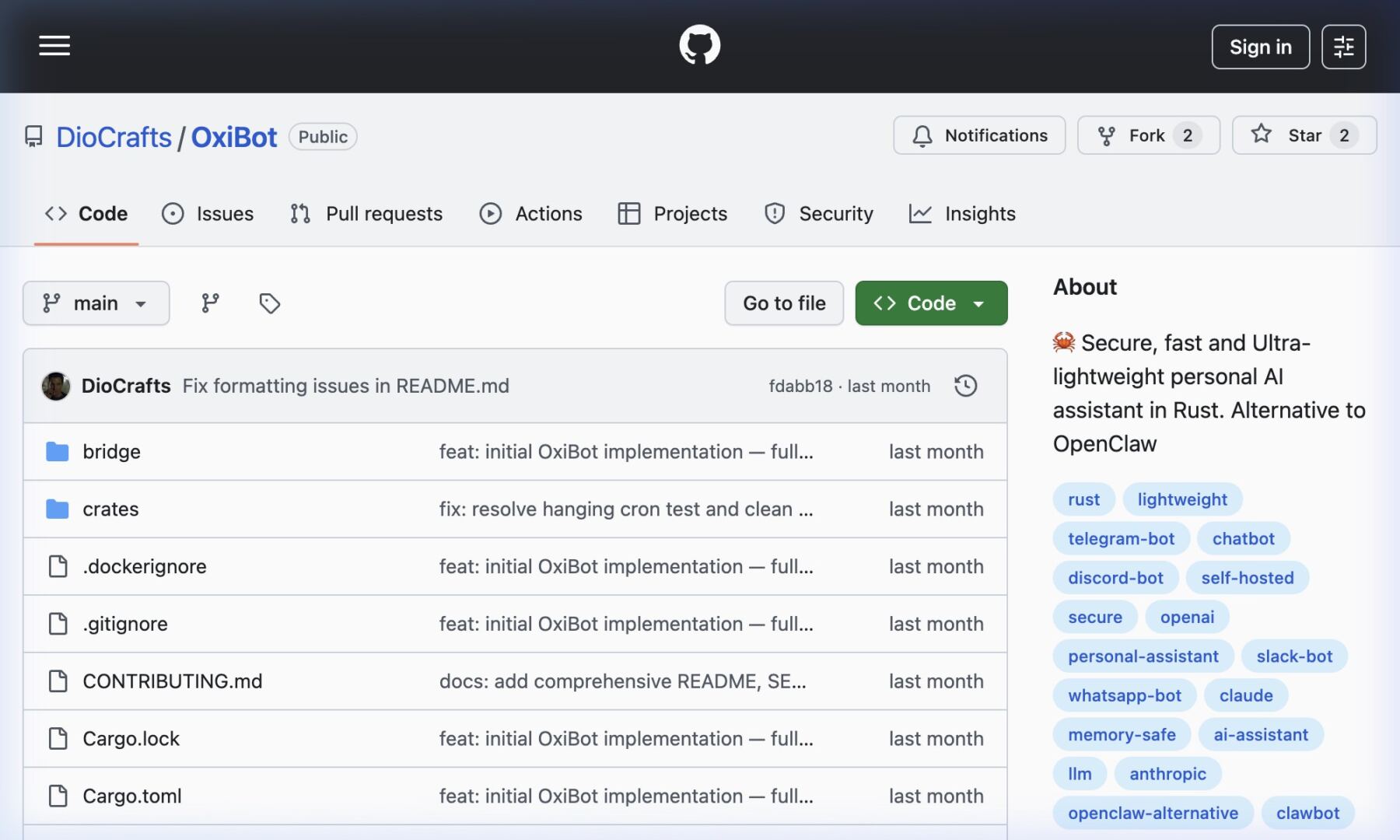
OxiBot
OxiBot is a lightweight AI assistant built in Rust that you just’ll run on your own software. It’s designed to be rapid, secure, and simple while using fewer system assets than upper AI apparatus.
It’s effectively a port of Nanobot with a an similar configuration genre and feature set, alternatively built in Rust as an alternative of Python. It ships as a single static binary that is easy to deploy and run.
Execs
- Rust-based: Built with Rust, it supplies upper capability and memory efficiency than many Python-based alternatives.
- Nanobot clone: In case you’re already acutely aware of Nanobot, OxiBot will actually really feel in an instant familiar.
- Single static binary: It comes as one static binary that is easy to deploy and run.
Cons
- Building friction: Rust is powerful, alternatively it’s harder to change and prolong than the JavaScript or Python used by many various apparatus in this elegance.
- Headless by the use of nature: It’s no longer built for browser automation within the equivalent means OpenClaw is. It makes a speciality of text, tasks, and command execution relatively than GUI control.
OxiBot is a smart variety if you want to have a snappy local assistant with low overhead, in particular when you occur to devise to pair it with a space genre like Ollama.
MaxClaw
MaxClaw is a space AI assistant built with Move and designed to run on your own software with rather low memory usage. It actually works as a single atmosphere pleasant program that handles tasks, apparatus, and workflows with no need cloud services and products.

Execs
- Move-based: Built with Move, it supplies robust capability and memory efficiency in comparison with many JavaScript- or Python-based alternatives.
- GUI: It includes a simple interface for chatting, managing files, and working directions in one place.
Cons
- Limited providers: It seems to reinforce absolute best OpenAI and Anthropic. That may be restrictive when you occur to wish providers like Ollama or DeepSeek.
- No House home windows reinforce: Every the GUI and CLI are available absolute best on Linux and macOS.
MaxClaw is a brilliant fit if you want to have a snappy, lightweight local AI assistant with a GUI, even if it is a weaker variety for House home windows shoppers.
CoPaw
CoPaw is an open-source AI agent platform that allows you to run and arrange agents locally or throughout the cloud. It’s easy to prepare and includes a simple web interface for chatting, configuring agents, and tracking usage.
It is helping integrations with apps like Discord and iMessage, works with local AI models for upper privacy, and accommodates reinforce for skills that extend its purposes. You’ll get started with a one-line arrange script or Docker.

Execs
- Multi-channel reinforce: CoPaw has built-in reinforce for iMessage, Discord, Telegram, DingTalk, Feishu, and QQ.
- Built-in MCP and talents: It accommodates MCP and talents out of the sphere, making it easier so to upload apparatus and purposes.
- Web interface: It provides a simple interface for chatting with agents, configuring them, setting up MCP, and together with providers.
Cons
- Helpful useful resource overhead: It needs additional system assets than lightweight alternatives like PicoClaw or MaxClaw.
- Python dependencies: It is determined by Python, which can be providing flexibility however as well as supplies environment and compatibility overhead.
CoPaw is a brilliant selection if you want to have a space AI assistant that spans multiple platforms and is derived with a ready-made web interface.
Moltis
Moltis is a self-hosted AI assistant built in Rust that runs as a single binary on your own software. It actually works as a space hub that can hook up with different AI providers while keeping the whole thing personal.
It accommodates long-term memory, voice reinforce, and secure tool execution, and will also be accessed by way of a web interface or apps like Telegram and Discord.

Execs
- Native desktop app: Moltis provides a faithful desktop revel in that feels additional like a workstation than a simple chatbot.
- Voice reinforce: It accommodates built-in voice reinforce for hands-free interaction.
- GraphQL API: It supplies a GraphQL API for developers who want programmatic get right to use.
Cons
- GUI reliance: Moltis is intently GUI-driven. If you want to have a headless agent that runs quietly on a server, OpenClaw or Nanobot are upper fits.
Moltis is most suitable to people who need a chic desktop interface and workspace-style setup while however working the whole thing locally.
Wrapping Up
Since we final looked at OpenClaw, an entire ecosystem of alternatives has emerged. Many purpose to cut the must haves from something that feels heavy to 1 factor that can run on a much smaller software.
Proper right here’s a to hand information a coarse breakdown of the vital factor avid players we’ve covered to make the choices easier to test:
| Agent | Runtime | Dimension (Binary/Core) | RAM Usage | GUI Built-in |
|---|---|---|---|---|
| OpenClaw | Node.js (TS) | ~200 MB (dist/deps) | ~1.5 GB+ | Certain (Web) |
| Nanobot | Python | ~3,500 LOC | ~50-100 MB | No |
| NanoClaw | Node.js | < 1 MB (Code) | ~100 MB + Container | No |
| ZeroClaw | Rust (Native) | ~3.4 MB | < 5 MB | No |
| PicoClaw | Move (Native) | ~8 MB | ~10-45 MB | Certain (Minimal Web) |
| Moltis | Rust (Native) | ~42 MB | ~60-100 MB | Certain (Native Desktop) |
| IronClaw | Rust (Native) | ~5 MB | N/A | Certain (Web/TUI) |
| OxiBot | Rust (Native) | ~18 MB | < 8 MB | No |
| NullClaw | Zig (Native) | 678 KB | ~1 MB | No |
| CoPaw | Python | ~15 MB (Core) | ~150-300 MB | Certain (Console/App) |
| MaxClaw | Move (Native) | N/A | N/A | Certain (Desktop) |
The post 10 OpenClaw Possible choices Price Attempting gave the impression first on Hongkiat.
Supply: https://www.hongkiat.com/blog/openclaw-alternatives/




0 Comments