

Divi 5 makes it easy to create bold testimonial and quote sections that in point of fact really feel additional visual, branded, and remarkable. In this free pack, you’ll get 5 Huge Quote designs for Divi 5 that are perfect for testimonials, reviews, consumer quotes, case analysis, landing pages, supplier pages, creator web websites, personal producers, corporations, and further.
Every design uses oversized quote marks, powerful typography, portrait imagery, color blocks, layered composition, and clean spacing to turn simple quotes into polished internet web page sections. Import a work, trade the quote and author details, change the imagery, and in addition you’re able to go.
Preview
Proper right here’s a to hand information a coarse take a look on the 5 Huge Quote sections built-in throughout the pack. The download is further down the post.

Download 5 Huge Quotes For Divi 5
Get all 5 sections totally free. Import them into your Divi Library and add them to any internet web page throughout the Visual Builder.

What’s Integrated (6 Exports)
After you acquire and unzip the document, you’ll find 5 styled Huge Quote segment exports, plus 1 document containing all layouts.
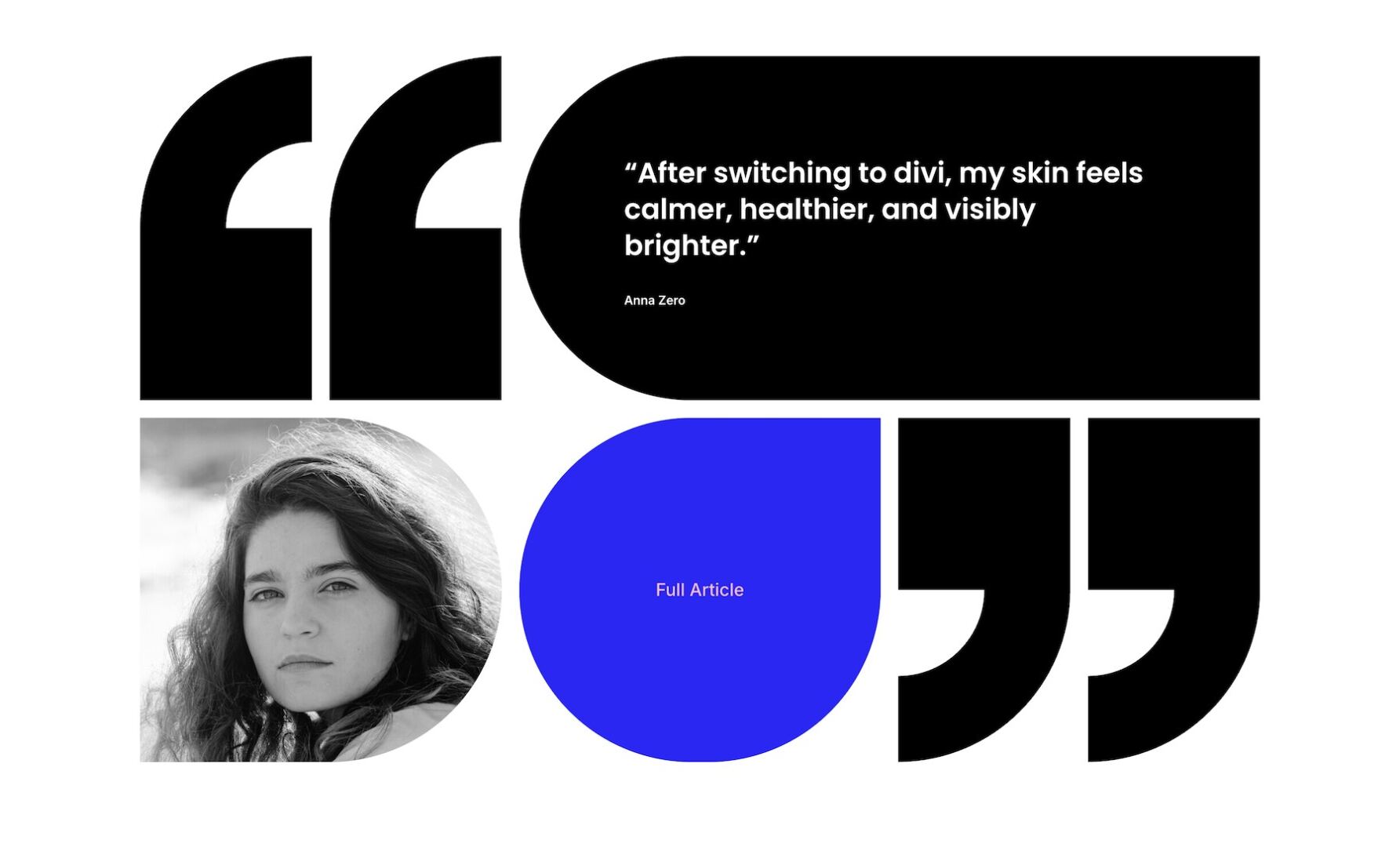
Styled – Huge Quotes Section 1 to 5 (5) → 5 completely styled quote segment layouts with oversized quote marks, testimonial text, author details, portrait imagery, bold color remedies, layered content material subject matter blocks, and clean spacing that you just’ll use as-is or customize.
Styled – Huge Quotes Sections (All) → Imports all 5 designs into your Divi Library in an instant.

How To Use The Huge Quote Sections
Keep your download folder handy. We’ll import the information, add a work to a internet web page, and then trade the content material subject matter.
1. Import Sections Into The Divi Library
Pass to Divi → Divi Library. Click on on Import & Export at the top of the show.

Throughout the Import & Export Layouts modal, switch to the Import tab, then click on on Make a choice Document and choose your JSON document. Make a choice any Huge Quotes Section JSON you’d like to use, then click on on Import Divi Builder Layouts.

2. Add A Huge Quote Section To Any Internet web page
Open a internet web page throughout the Visual Builder and add a brand spanking new Section.

Click on on Add From Library and choose one among your Huge Quote sections.

3. Trade The Quote Content material subject matter
As quickly because the segment is on the internet web page, converting the placeholder content material subject matter most efficient takes a few clicks. Get began by way of updating the quote, author identify, serve as, company identify, testimonial details, supporting text, and any fast labels or captions so the segment suits your internet web page and message.

Then trade on your non-public portrait image, consumer {photograph}, founder image, staff member {photograph}, emblem visual, or supporting imagery as sought after.
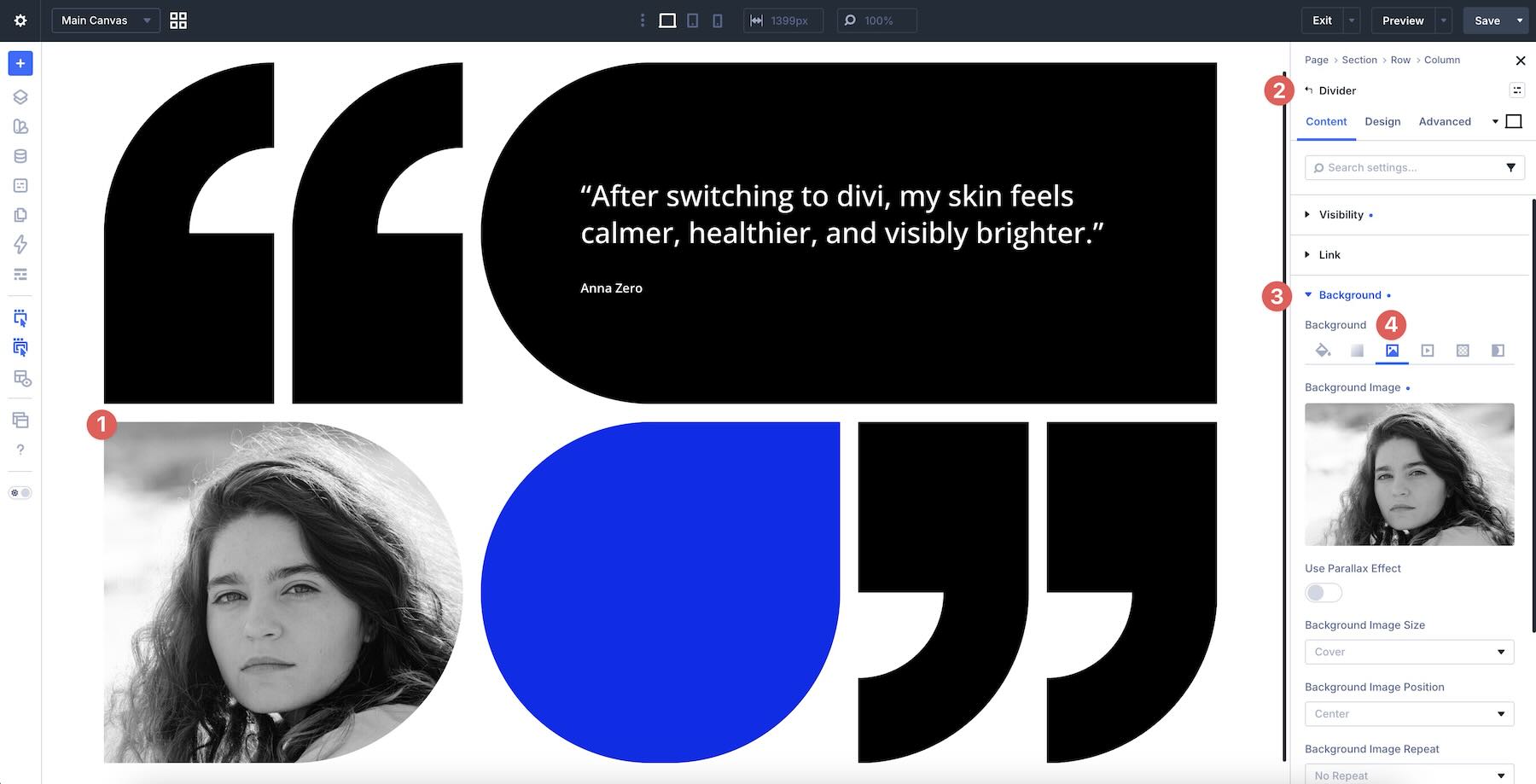
Because of the ones sections rely on massive quote marks, portrait placement, text alignment, and robust visual hierarchy, it’s best possible to replace content material subject matter one area at a time. That is serving to stay the stableness between the quote, image, background color, author details, and destructive area as you customize the design.
If your new quote is for for much longer or shorter than the original, evaluation the construction straight away after bettering. Huge quote sections can trade quickly when text wraps another way. Regulate text dimension, line top, spacing, module width, or image placement as needed to keep the segment readable and balanced.
4. Regulate Sorts (Optional)
The ones Huge Quote sections are already styled, so that you’ll use them right away or refine them to raised suit your internet web page. Change typography, colors, quote marks, image remedies, backgrounds, borders, shadows, spacing, and construction sizing as sought after the usage of the settings throughout the Design tab.
To change typography, open any Text or Heading module and transfer to the Design tab. Make larger the comparable text settings to keep watch over Font, Font Weight, Text Alignment, Text Color, Text Size, Letter Spacing, and Line Best.

To refine the visual styling, open the segment, row, column, staff, image module, or quote element you want to keep watch over and use the Design tab to tweak Background, Border Radius, Box Shadow, Sizing, Spacing, Filters, and Position settings.
If your segment uses oversized quote marks, cropped portraits, color blocks, layered image areas, minimize up layouts, or high-contrast backgrounds, keep those relationships in ideas as you edit so the construction remains polished and easy to be told.

Use Divi’s responsive bettering equipment to fine-tune stacking, image dimension, quote width, text dimension, spacing, and alignment on smaller displays so the segment stays readable right through devices.
Pointers For Environment friendly Huge Quote Sections
Huge quote sections artwork best possible when the testimonial feels easy to be told and visually very important. Use the ones speedy tips to keep your sections polished, credible, and easy to customize.
Keep The Quote Focused
Huge quote layouts artwork best possible with concise testimonials. Make a choice a quote that communicates one powerful concept, result, reaction, or benefit as an alternative of taking a look to come back with each component.

Make The Quote Easy To Scan
Oversized typography can create impact, then again readability nevertheless problems. Use clear line top, balanced text width, and enough spacing around the quote so visitors can be told it quickly.

Use Portraits With Serve as
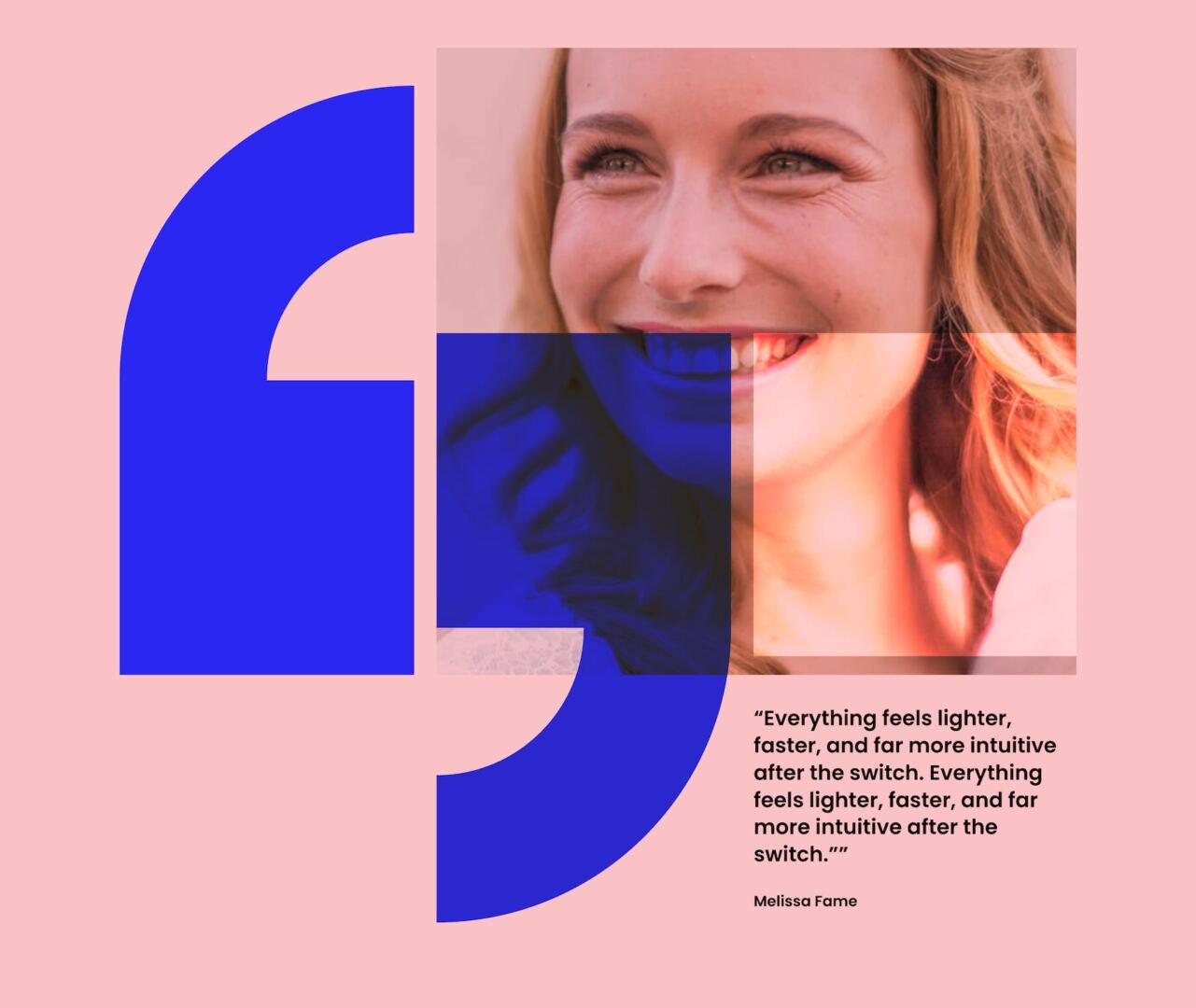
Portraits may make a testimonial in point of fact really feel additional personal and credible. Use photos that strengthen the quote without distracting from the message, and try that the crop works neatly right through the construction.
Steadiness Quote Marks With The Content material subject matter
Huge quote marks can become a strong design element. Keep them visually hooked up to the testimonial while making sure they don’t overpower the actual message.
Check out The Structure On Cellular
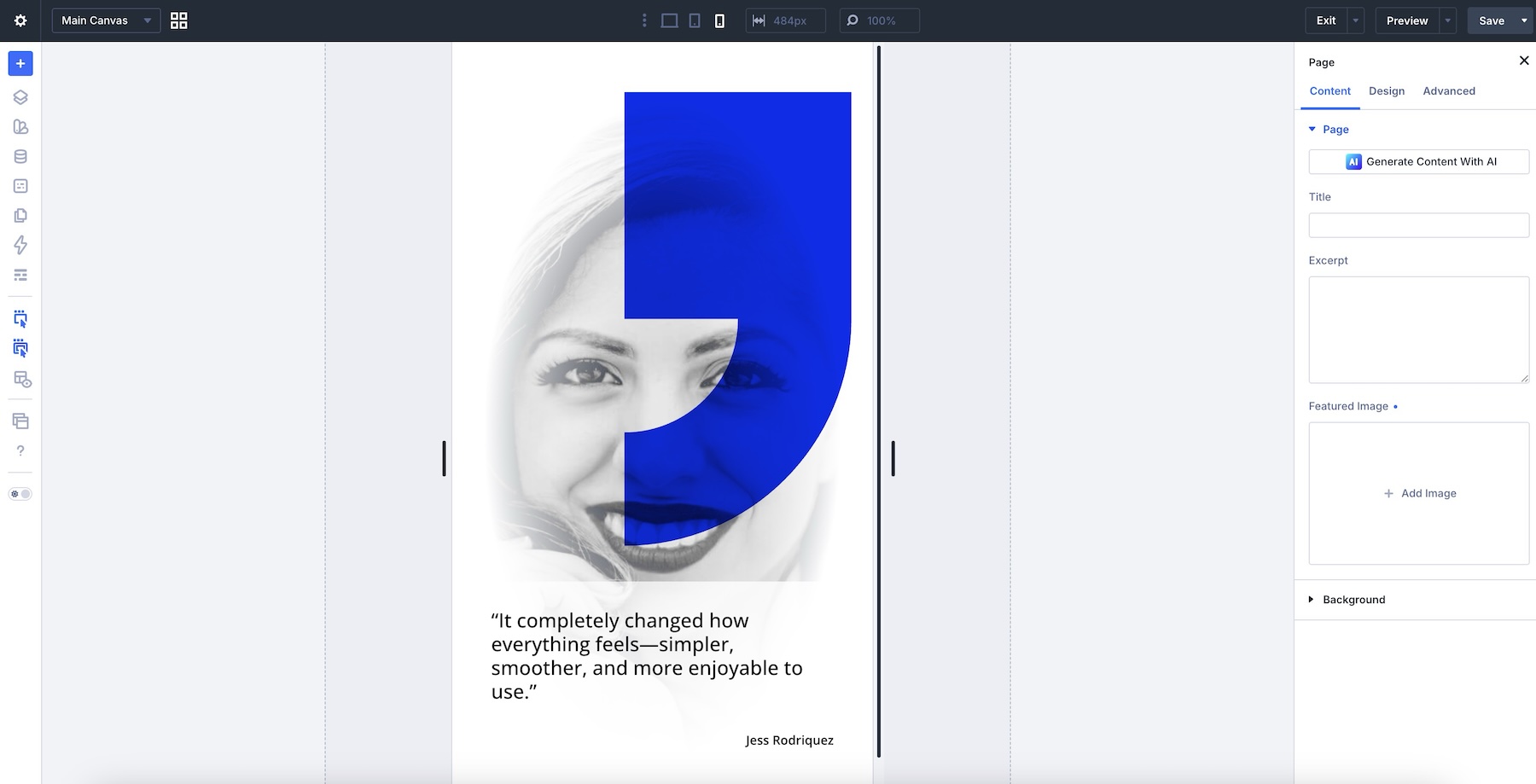
Huge quote sections can trade noticeably on tablet and get in touch with displays as text wraps and images stack. Analysis your construction on smaller devices to ensure the quote remains readable, portrait photos crop neatly, spacing feels balanced, and author details stay clear.
Get began Building In Divi 5 In recent times!
The ones 5 Huge Quote sections come up with a handy guide a rough strategy to assemble bold testimonial and quote sections for landing pages, supplier pages, case analysis, creator web websites, personal producers, corporate web pages, portfolios, and further. Trade on your quote, add your author details, customize the styling if sought after, and in addition you’ll have a sophisticated testimonial segment able in minutes with Divi 5’s Visual Builder.
The post 5 Massive Quotes For Divi 5 (Loose Obtain!) gave the impression first on Sublime Topics Weblog.



0 Comments